


Zen Browser
Zen Browser is born Cross-Platform
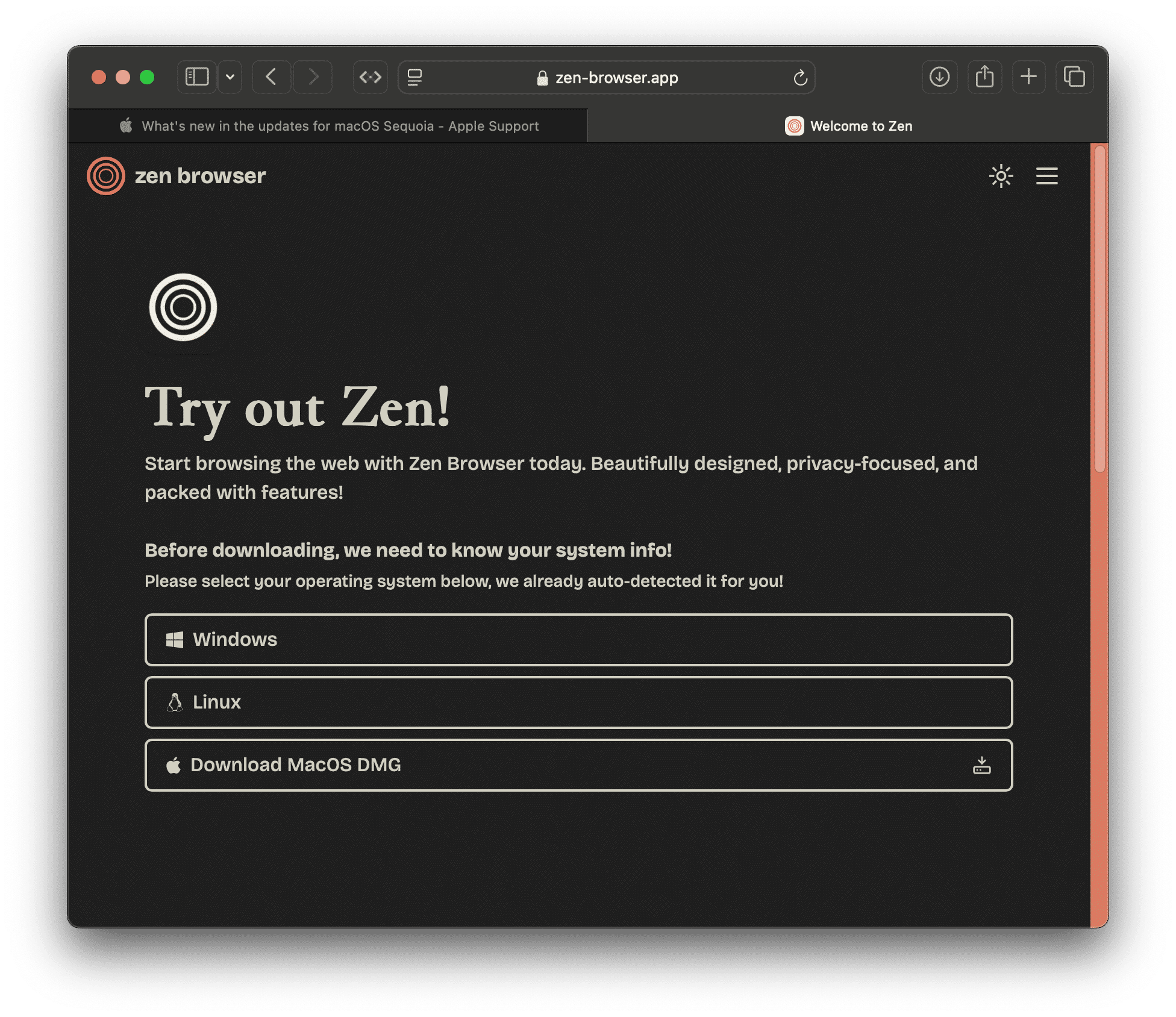
Zen Browser has an Extension Library.
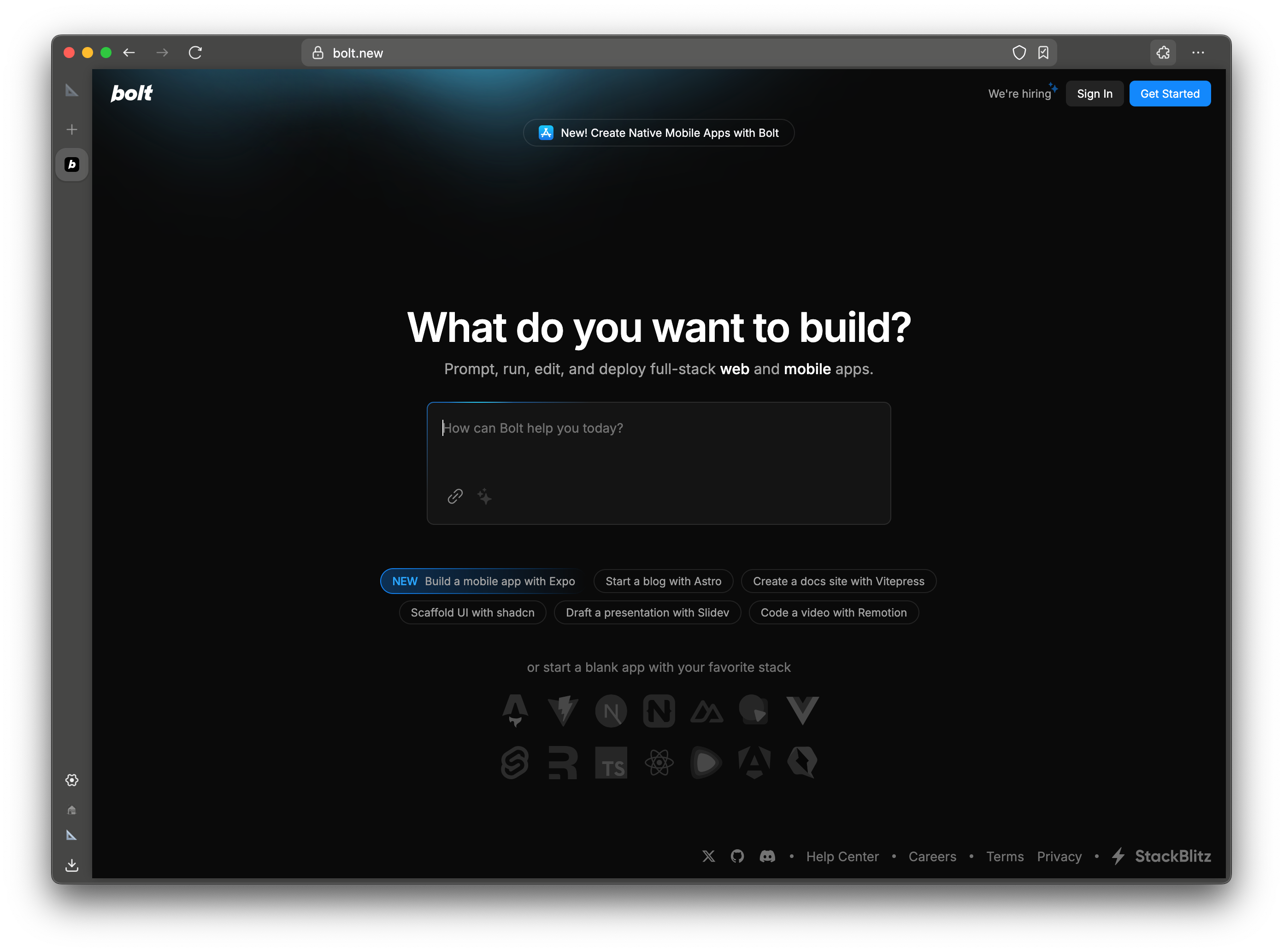
Zen Browser maintains Release Notes.
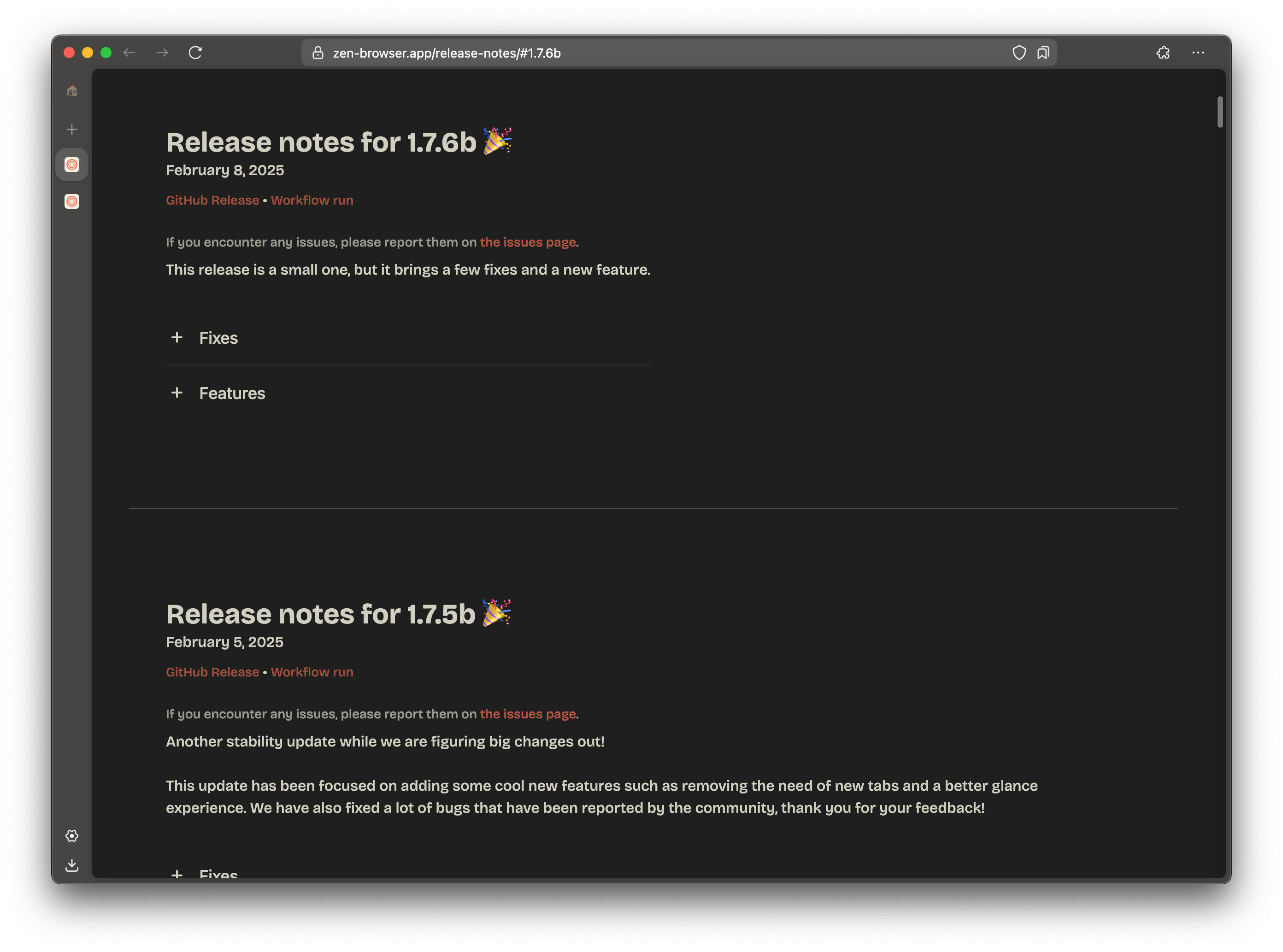
Zen Browser streamlines Getting Started
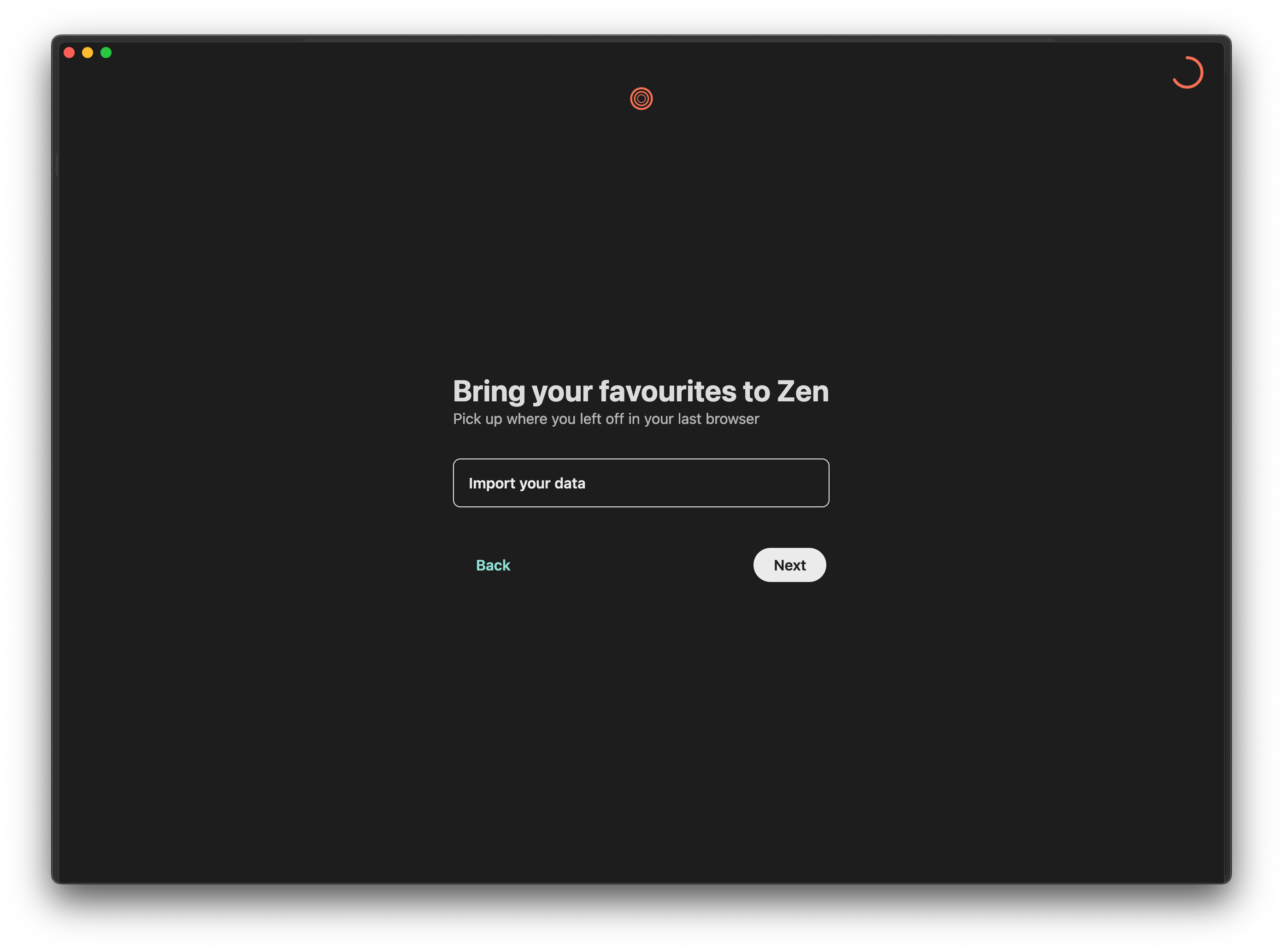
Zen Browser implements a simple Choice Architecture
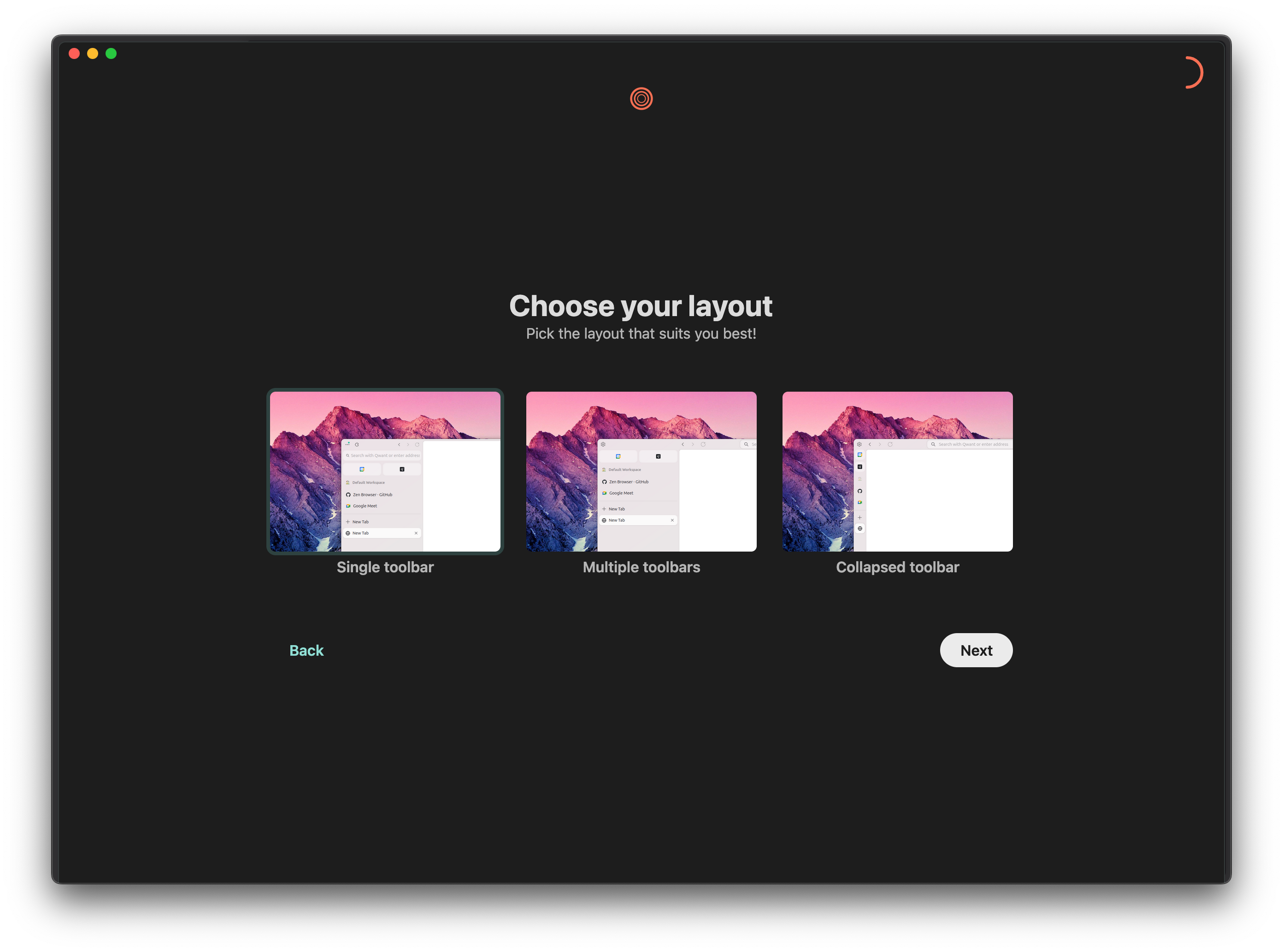
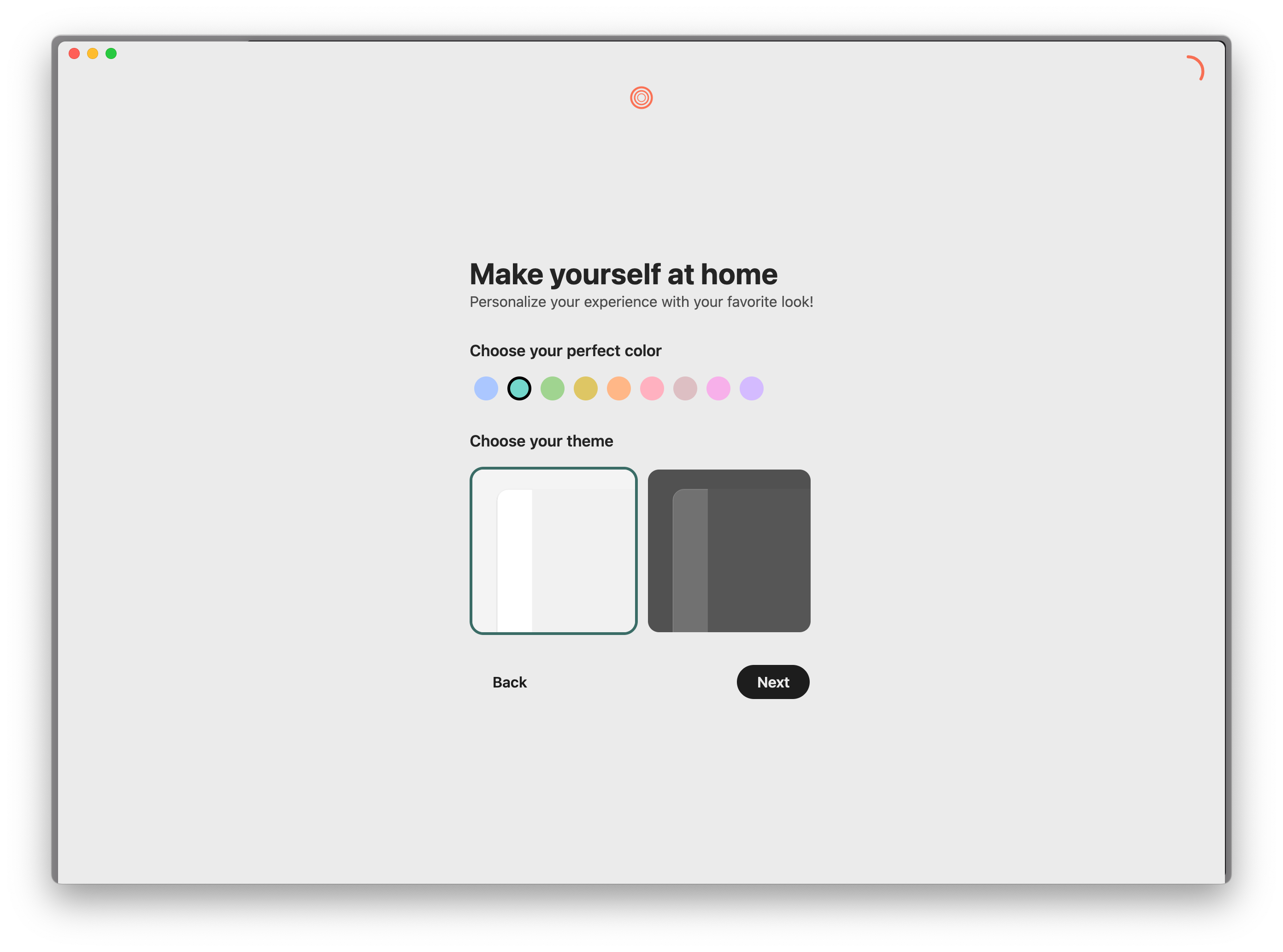
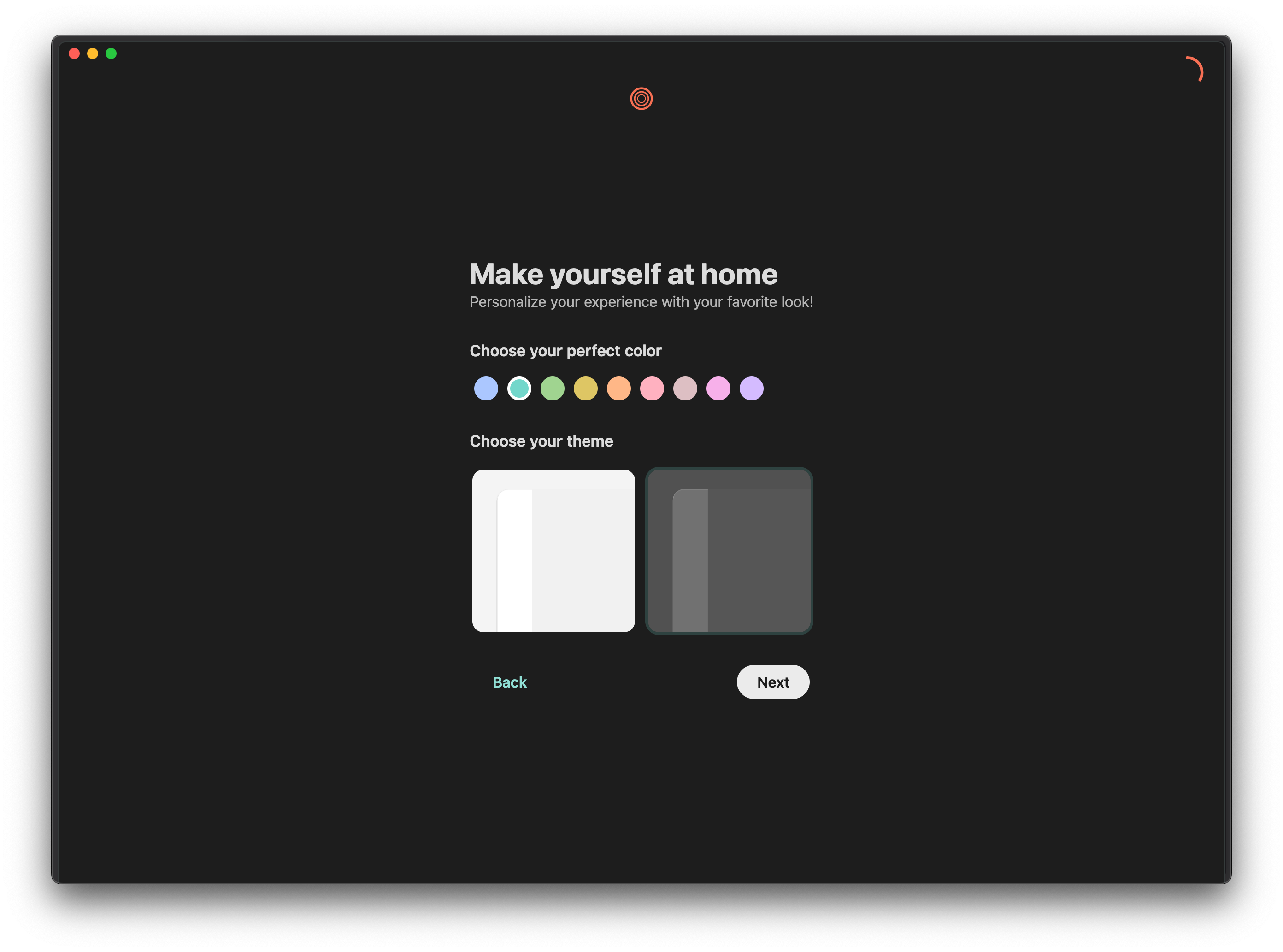
Zen Browser offers Light Mode and Dark Mode
Value Proposition & Features
Zen Browser is a privacy-focused, performance‑oriented web browser based on Firefox, aiming to provide “speed, security, and true privacy” in a modern, distraction‑free interface.
[scebz5]
[wlc683]
It emphasizes a beautiful, customizable UI with sidebars, workspaces, and “Zen Mods” while preserving Firefox compatibility and extension support.
[w9jumq]
[scebz5]
[e2matj]
[9mu1lo]
Core value points (2–3 sentences each):
- Privacy & safety: Zen ships with tracking protection and ad‑blocking style controls and markets itself as focused on “true privacy,” building on Firefox’s security model and permissions system. [w9jumq] [scebz5] [e2matj] Users can configure DNS over HTTPS and install privacy extensions like uBlock Origin from the Firefox ecosystem. [e2matj] [9mu1lo]
- Performance & responsiveness: Described as a “performance oriented Firefox-based web browser,” Zen focuses on fast startup and page load while remaining lighter than heavily modified Chromium forks. [wlc683] [w9jumq] Reviews highlight smooth navigation and responsive UI even with customization and multiple workspaces enabled. [w9jumq] [e2matj]
- Custom UI & productivity: Zen adds a sidebar‑centric layout with workspaces, folders, and compact modes to organize tabs and tools beyond standard Firefox. [e2matj] [9mu1lo] Users can apply “Zen Mods” (layout/UI presets), customize colors and home backgrounds, and tweak sidebars and toolbars for their workflow. [w9jumq] [e2matj] [9mu1lo]
Key features (5–8, in priority order):
- Workspaces & sidebar navigation: Zen introduces a left sidebar with workspaces that can contain separate sets of folders, tabs, and tools, enabling users to switch contexts quickly. [e2matj]
- Theming & home customization: The start page supports abstract themes, solid colors, color pickers, and custom background images for a personalized look. [9mu1lo]
- Cross‑profile support with Firefox: Users can reuse or import Firefox profiles, though some reviewers note that it is not fully intuitive and may require manual steps. [e2matj]
Screenshots
No reliable source found for three official, directly hosted screenshots under stable URLs on the official site or GitHub; the website uses background imagery but not discrete, clearly reusable screenshot assets.
[scebz5]
[9mu1lo]
Product Roadmap / Announcements
As of June 2, 2026,
- 2025‑05‑xx – Zen Browser 1.20b “What’s New” release: The official “What’s New in 1.20b” page describes ongoing focus on “speed, security, and true privacy” along with UI and feature refinements, indicating active maintenance and iterative releases in the 1.x “b” series. [scebz5]
- 2025‑03‑xx – 1.19.12b build available: Neowin lists Zen Browser 1.19.12b as a current downloadable version, signaling recent version churn and incremental updates in early 2025. [w9jumq]
(Exact day-of-month was not clearly stated in sources; only month/year and version lineage are used.)
Recent Developments
- In early 2025, Neowin highlighted Zen Browser 1.19.12b as a new release, reiterating its focus on privacy, customization, and performance as a Firefox‑based fork. [w9jumq]
- Community blog posts on platforms like DEV describe users switching from Chrome/Brave to Zen due to its combination of Firefox-based privacy, clean UI, and productivity‑oriented features. [l5qu10]
History and Origin Story
Zen Browser originates as an independent fork of Mozilla Firefox created to offer a cleaner, more modern, sidebar‑centric take on the browser while preserving Firefox’s privacy‑first ethos and extension compatibility.
[w9jumq]
[scebz5]
[e2matj]
Neowin attributes the project to a developer named Razvan and describes it as an open‑source effort focused on privacy and customization through Zen Mods and interface changes rather than a complete engine rewrite.
[w9jumq]
Over time, iterative releases (e.g., 1.19.12b, 1.20b) and growing coverage from Linux and productivity communities have driven adoption among users seeking a non‑Chromium alternative with a more opinionated UI.
[w9jumq]
[scebz5]
[e2matj]
[l5qu10]
Fundraising History
No reliable source found for any institutional fundraising rounds (Pre‑Seed, Seed, Series A, etc.) or total funding; available material treats Zen Browser as an open‑source project without disclosed venture financing.
[w9jumq]
[scebz5]
[wlc683]
[l5qu10]
| Round | Date | Amount | Lead investor |
| – | – | – | – |
| Total | – | – | – |
Investors (alphabetical):
Notable Team Members
- Razvan (project maintainer/developer): Neowin identifies “Razvan” in its description of Zen Browser, presenting him as the main developer behind the open‑source project. [w9jumq] Public materials emphasize his role in steering Zen’s privacy stance and interface customization features, but do not list a broader executive or leadership team. [w9jumq] [scebz5]
Market Sizing
Category, Market Size, and Category Growth
Zen Browser fits in the desktop and mobile web browser category, specifically as a Firefox‑based, privacy‑focused alternative browser aimed at users dissatisfied with mainstream options like Chrome and Edge.
[w9jumq]
[scebz5]
[e2matj]
[l5qu10]
While no Zen‑specific TAM figures are available, the broader global web browser market encompasses billions of users and is reported by major analyst firms (StatCounter, etc.) as dominated by Chromium‑based browsers, with niche privacy and alternative UI browsers (Brave, Vivaldi, Arc‑like concepts) representing a small but growing segment.
[l5qu10]
No credible analyst‑grade report was found that isolates the market size or growth rate for Firefox‑fork privacy browsers specifically.
Pricing
| Tier | Price | Notes |
| Zen Browser | Free | Zen is distributed as a free, open‑source browser with no published paid tiers or subscriptions. [w9jumq] [scebz5] [wlc683] |
There is no public pricing for any commercial edition, support plan, or enterprise licensing in available sources.
[w9jumq]
[scebz5]
[wlc683]
Revenue Trajectory Estimates
No reliable source found for Zen Browser revenue, ARR, or monetization; documentation and coverage do not mention ads, subscriptions, or other revenue models, aligning with its positioning as an open‑source, free browser.
[w9jumq]
[scebz5]
[l5qu10]
Competitive Landscape
Who it's for, who it's not for
Zen Browser is for privacy‑conscious power users and developers who want a non‑Chromium browser with a modern, customizable interface, strong tab/workspace organization, and access to Firefox’s extension ecosystem.
[w9jumq]
[e2matj]
[9mu1lo]
[l5qu10]
It particularly suits Linux enthusiasts, productivity‑focused users, and people migrating from Chrome/Brave who value a “clean” look and opinionated UI features like sidebars and Zen Mods.
[e2matj]
[9mu1lo]
[l5qu10]
It is less suited for enterprise environments requiring centralized management, organizations locked into Chromium‑only stacks, or users who expect official corporate support and long‑term vendor SLAs.
[w9jumq]
[scebz5]
It may also not be ideal for highly non‑technical users who prefer a default, unmodified browser experience with minimal UI changes, or for teams that rely on deep integration with Google/Microsoft ecosystem features built into Chrome or Edge.
[e2matj]
[l5qu10]
Viable Alternatives
- Brave: A Chromium‑based privacy browser with built‑in ad and tracker blocking and optional crypto features, often compared by users who switch from Brave to Zen in search of a Firefox‑based alternative. [l5qu10]
Competitor Table
| Competitor | Description |
| Mozilla Firefox | Open‑source browser that Zen is forked from, emphasizing privacy, standard UI, and a large extension ecosystem without Zen’s added workspace/sidebar customizations. [e2matj] [wlc683] |
| Brave | Privacy‑focused Chromium browser with built‑in ad/tracker blocking and optional crypto features, serving users seeking privacy but comfortable with Chromium. [l5qu10] |
| Vivaldi | Power‑user Chromium browser featuring extensive UI customization, tab stacks, and workspaces, overlapping with Zen’s productivity‑oriented audience. [e2matj] [l5qu10] |
| Arc Browser | Design‑driven browser with a sidebar and workspace‑centric interface, appealing to users who like opinionated layouts similar to Zen’s approach. [0a4xx5] [e2matj] |
| Google Chrome | Dominant Chromium browser offering maximum compatibility and ecosystem integration, often the default users migrate away from when adopting Zen. [l5qu10] |